


Description
Smart Tube Backup – Overview
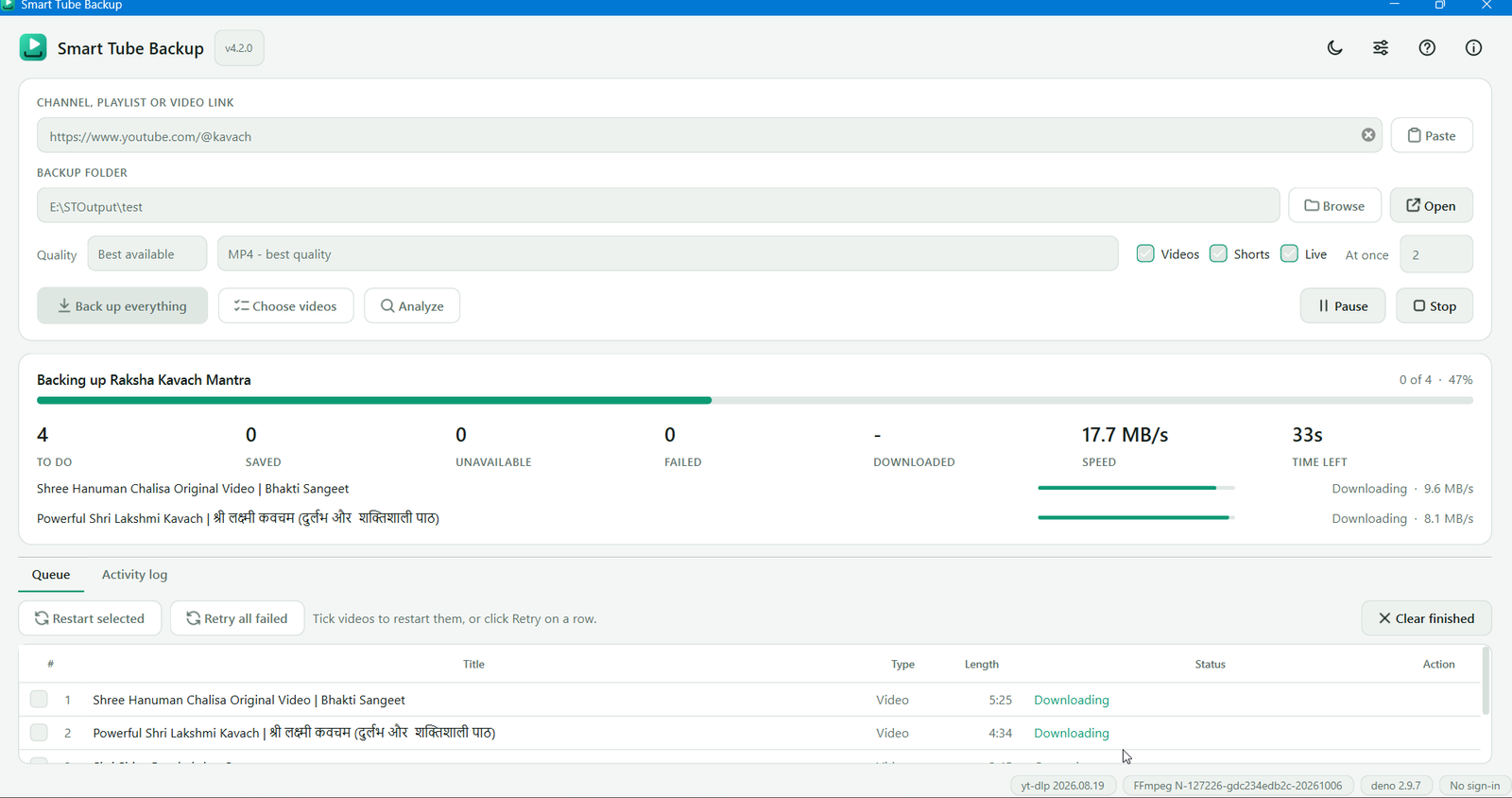
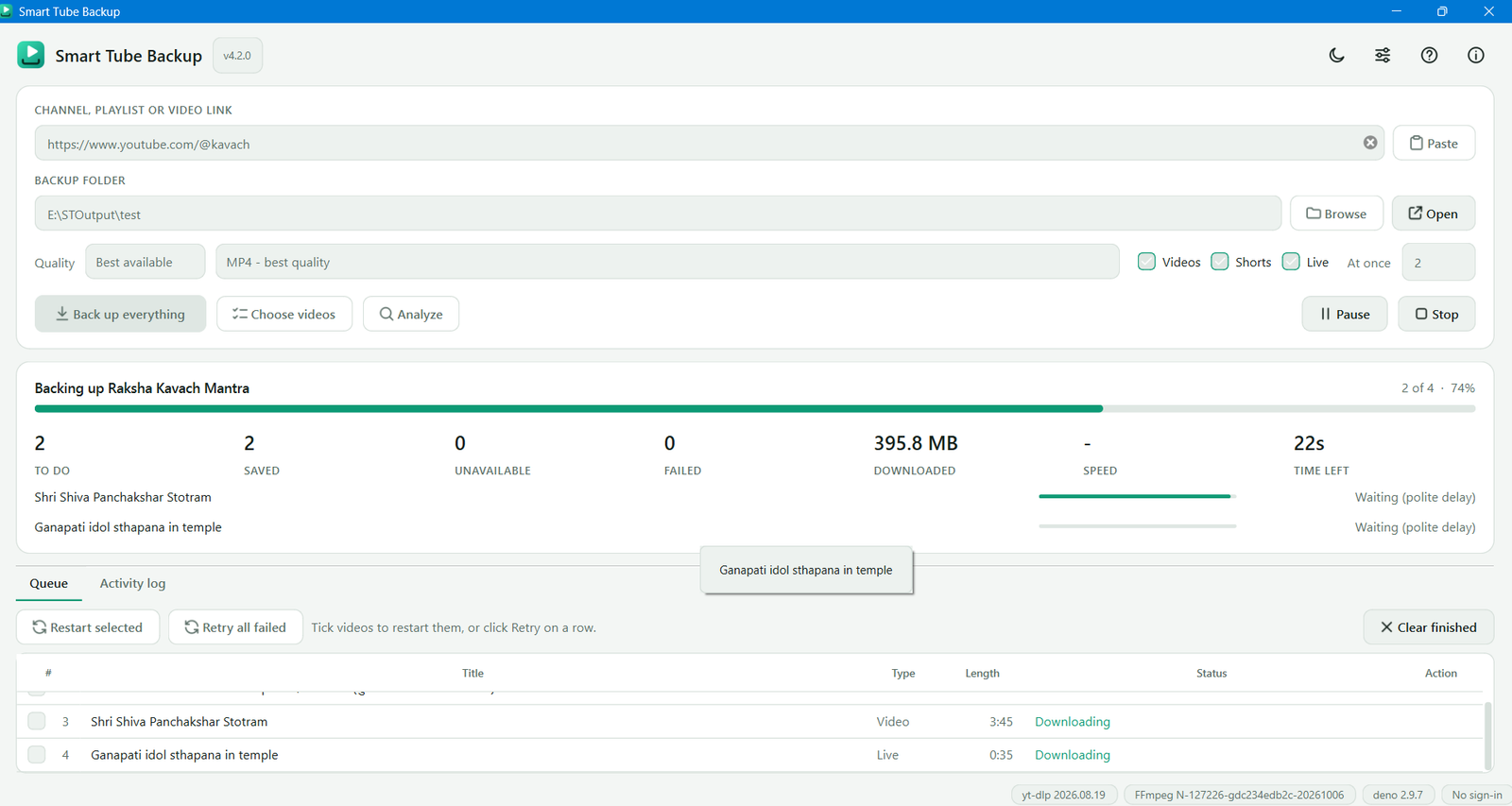
Smart Tube Backup helps you selectively download and back up YouTube videos and Shorts from channels you own or are authorised to download from. It is designed for creators and users who need a reliable archive of permitted content.
Features
1) Selective channel downloads
2) YouTube Shorts support
3) Batch downloads
4) Offline backup
5) Resume interrupted downloads
6) Simple Windows interface
System Requirements
Windows 10/11
Internet connection
4 GB RAM recommended
Sufficient disk space
Installation
1) Run Setup or extract the portable ZIP. Launch installer and install the software on windows PC.
2) Launch Smart Tube Backup.
3) Select an output folder.
4) Scan a channel and choose videos.
Downloads May Be Affected By
1) Restricted/private content or insufficient permissions.
2) VPNs causing rate limits or regional restrictions.
3) Proxy servers affecting HTTPS communication.
4) Firewall/antivirus blocking the application.
5) Network interruptions.
6) YouTube platform changes until compatibility updates are released.
cookies.txt Support
If authentication is required:
1. Export a standard cookies.txt.
2. Copy it to the Smart Tube Backup folder.
3. Restart the application.
Troubleshooting
Downloads fail
Check internet connectivity, permissions, VPN/proxy settings, firewall exceptions, and ensure you are using the latest version.Firewall warning
Licence & Disclaimer
Lifetime licence for the purchased version. Free bug fixes. Feature update policy may vary by licence.
This software is intended for downloading and backing up content that you own or are authorised to download. Users are responsible for complying with copyright laws and platform terms.
Please note, always do a virus scan the installer post downloading.
Check out videos of the product
Copyright (C) 2026 Gentlemans Digital Products